
| Salesforce CPQ | HubSpot CPQ | HubSpot + Quotivity | |
|---|---|---|---|
| Guided Selling | |||
| Guided Selling | |||
| Quoting Agent | |||
| Configure and Price | |||
| Rep-facing Price Configurator | |||
| Volume and tiered pricing | |||
| Bundles and product options | |||
| Compatibility Rules | |||
| Calculated Pricing - cost-plus, %-of-total, formulas | |||
| Contracts, amendments, renewals | |||
| Price Books | |||
Migration comparison
HubSpot CPQ vs Salesforce CPQ
This table compares the products. It does not assess your quoting workflow. Whether your Salesforce CPQ configuration holds up after the move depends on the pricing logic, configuration rules, and approval routing you have built into it today.
The free CPQ migration analysis answers that in about two minutes.
Securely read your salesforce org's configuration and get the matches and misses in a clear table.

Your company is not a feature set.
Most comparison pages stop at feature lists. Those lists help with product research, but they do not tell you whether your quoting workflow will hold up when you change CRMs. The decision is whether the rules and controls your team relies on will still govern how each quote gets built, priced, and approved.
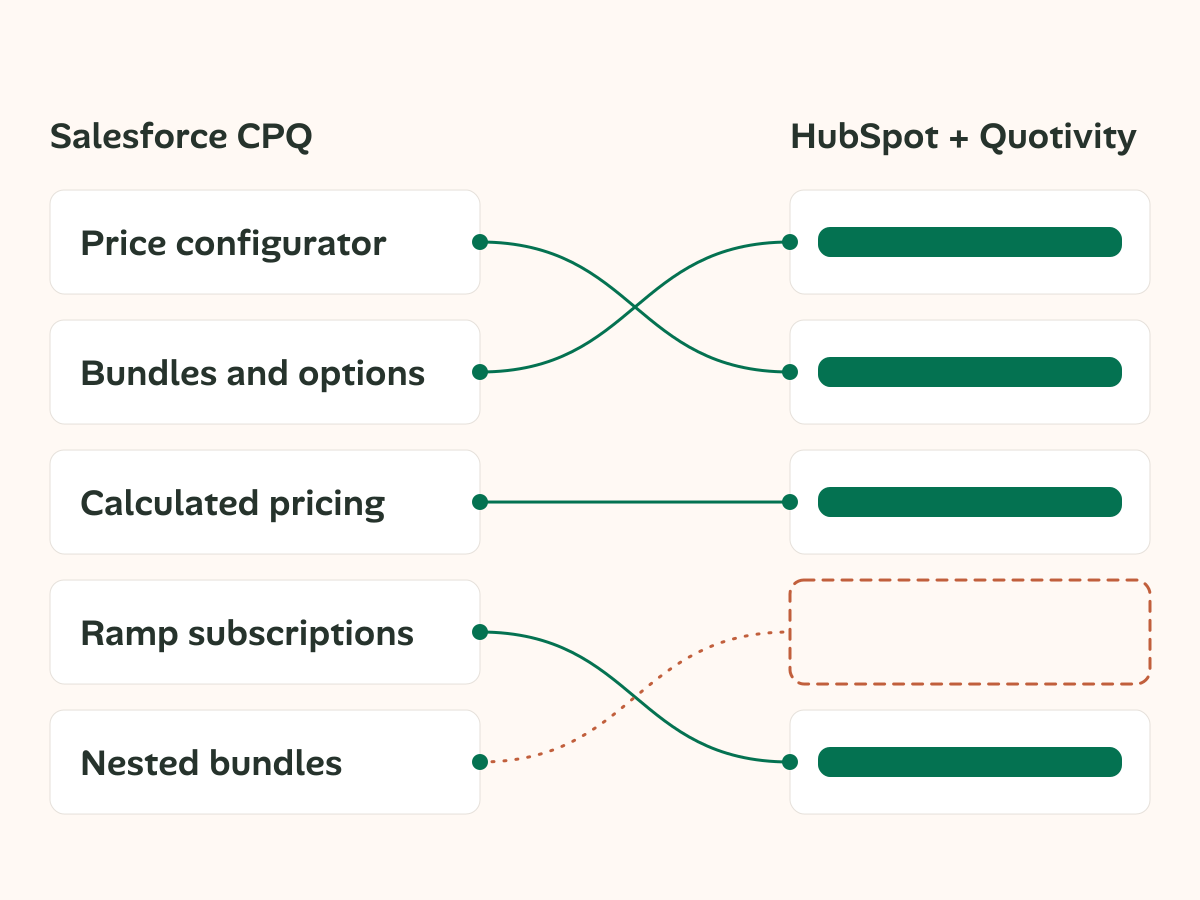
But hey, let's at least start with a feature set comparison.
We know you need to check if there's a fit. Let's check that box here.
Now that you know how the two products compare, take 2 minutes to see where your organization matches up!
How to read the verdict
The analysis does not ask which product has more features. It asks one question per construct: does the process you have now survive?
- Clear path. The process survives and the route is known.
- Partial path. Part of it survives and you'll need to patch up the rest.
- No path. It does not survive. You'll need a redesign or a different product.
You'll receive an indicator of HOW the process survives. It will tell you whether the match is 1:1, fan-out (use multiple features) or rebuild. It essentially describes the extent of your effort.
You're going to get the truth, even if it isn't pretty.
Lead with the platform
You are not choosing a CPQ. You are choosing a CRM, where your quoting workflow runs, and which system becomes the source of truth for pricing, approvals, and quote documents.
Changing CRM is just the start
Matching feature labels does not mean matching quoting behavior. The comparison that matters is how your team will build, price, and approve quotes every day inside HubSpot. Your quoting workflow needs to hold up in the CRM your team will actually use, not only on a comparison chart.
You will know what needs work
When a CPQ construct is classified as “partial path,” you need specifics: what carries over, what is lost, and why. A qualified yes is not enough to plan a migration. Don't worry, we'll hold your hand the whole way
All Orgs have gaps
Every company has something that does not carry over. A comparison that matches everything exactly, with a report that comes back all green usually means you're missing something. We'll find a way to get you what you need.
Here's how we'll describe it
These are the 12 feature sections our analysis will review, just so you can get familiar with the vocabulary.
| Product catalog | Multi-currency | Bundles and options |
| Option constraints | Guided selling | Formula pricing |
| Discount schedules | Contracted pricing | Approvals |
| Quote documents | Amendments and renewals | Custom scripts |
Compare the migration cost, not just the feature list
We've answered platform fit. The budget question comes next, and it is a different comparison: license cost on both sides, plus the rebuild you incur on every path except standing still. See what each option actually costs.
Questions buyers ask during migration review
Feature counts miss the decision you actually have to make. Migration risk sits in behavior: pricing logic, approvals, document output, and custom code. This page uses the same construct model as the analysis so you can judge what survives, what changes shape, and what needs redesign.
Partial path means part of the behavior survives, but something specific does not carry cleanly. The useful answer is not a soft yes. It is the exact loss, the structural change behind it, and whether the gap should influence your platform decision before the project starts.
No. Rebuild describes structure, not verdict. A quote document rebuilt in HubSpot can still be a clear path when the finished output is reproducible and every dependency has a destination. The work may be larger, but the behavior can still survive intact.
Custom scripts are the most common example. Logic tied to Salesforce objects, UI behavior, or custom code does not survive directly when the platform changes. Those cases need redesign early, before anyone mistakes a technical dependency for a simple field mapping exercise.
You get this same model applied to your own Salesforce CPQ setup. The output is not a generic comparison. It reads your org, lists your constructs, and shows where behavior survives, where structure changes, and where your team should plan for redesign.
Start with the platform comparison here, then review the cost breakdown at /costs/. That sequence matters. Cost is easier to discuss once you know which constructs have a clear path, which ones have a partial path, and which parts of your Salesforce CPQ setup need new architecture.
Free CPQ migration analysis
2 minutes to see how your Salesforce configuration will fit into HubSpot
If you want to see exactly how your organization's setup will work in HubSpot, start here!
Need the budget view next? See what each option actually costs.